Installation and setup
How to install BlogBuddy on your Shopify store, find your way around, and what to do in your first ten minutes.
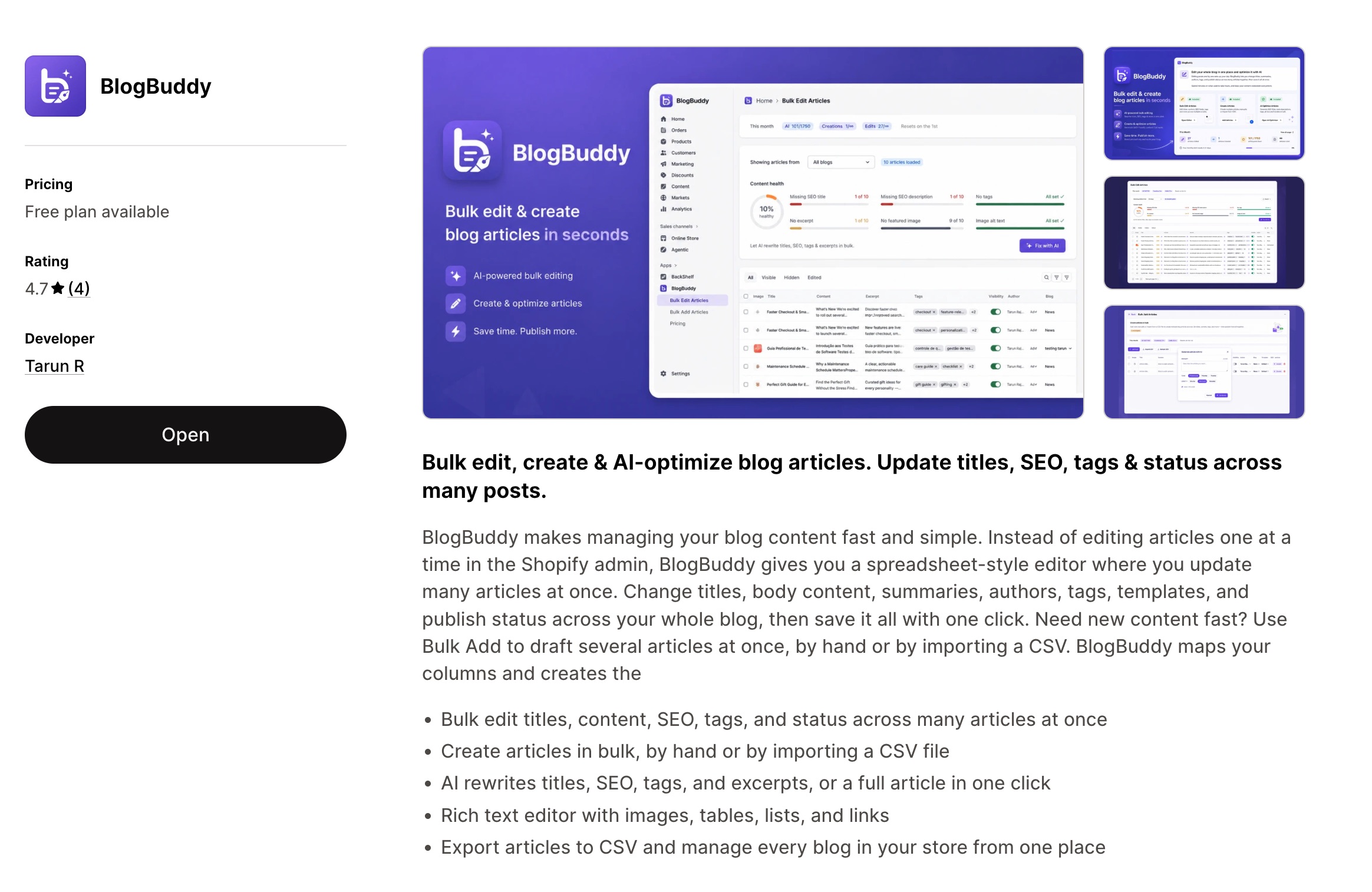
BlogBuddy is a Shopify app that runs your whole blog from one place. It gives you a spreadsheet-style bulk editor for every article in your store, an AI writer for single posts, an autopilot agent that plans and publishes a content calendar, topic clusters with internal links, and narrated audio versions of your posts.
Everything happens inside the Shopify admin. You never leave your store, and nothing is published without your approval.
Install the app
- Open the BlogBuddy listing in the Shopify App Store and click Install.
- Pick the store you want to install it on and approve the permissions. BlogBuddy asks for access to your blog content and themes, nothing else.
- The app opens on its home dashboard. That’s it, there is nothing to configure before you start.
Note
Find your way around
The app sidebar has one entry per feature:
| Menu item | What it does |
|---|---|
| Home | Dashboard with your results, publishing schedule and setup checklist |
| Edit Blog Posts (AI) | The bulk editor: every article in one spreadsheet |
| Bulk Add Articles | Create many articles manually or import a CSV |
| Generate Blog Post (AI) | Write one SEO-ready post with AI |
| Blog Post Autopilot (AI) | The agent that plans and publishes a content calendar |
| Blog Structure (AI) | Topic clusters, hubs and internal links |
| Post to Audio (AI) | Narrated audio versions of your articles |
| Settings | Tone, knowledge base, language and schedule for all AI writing |
| Plans & billing | Your plan, credits and invoices |
Your first ten minutes
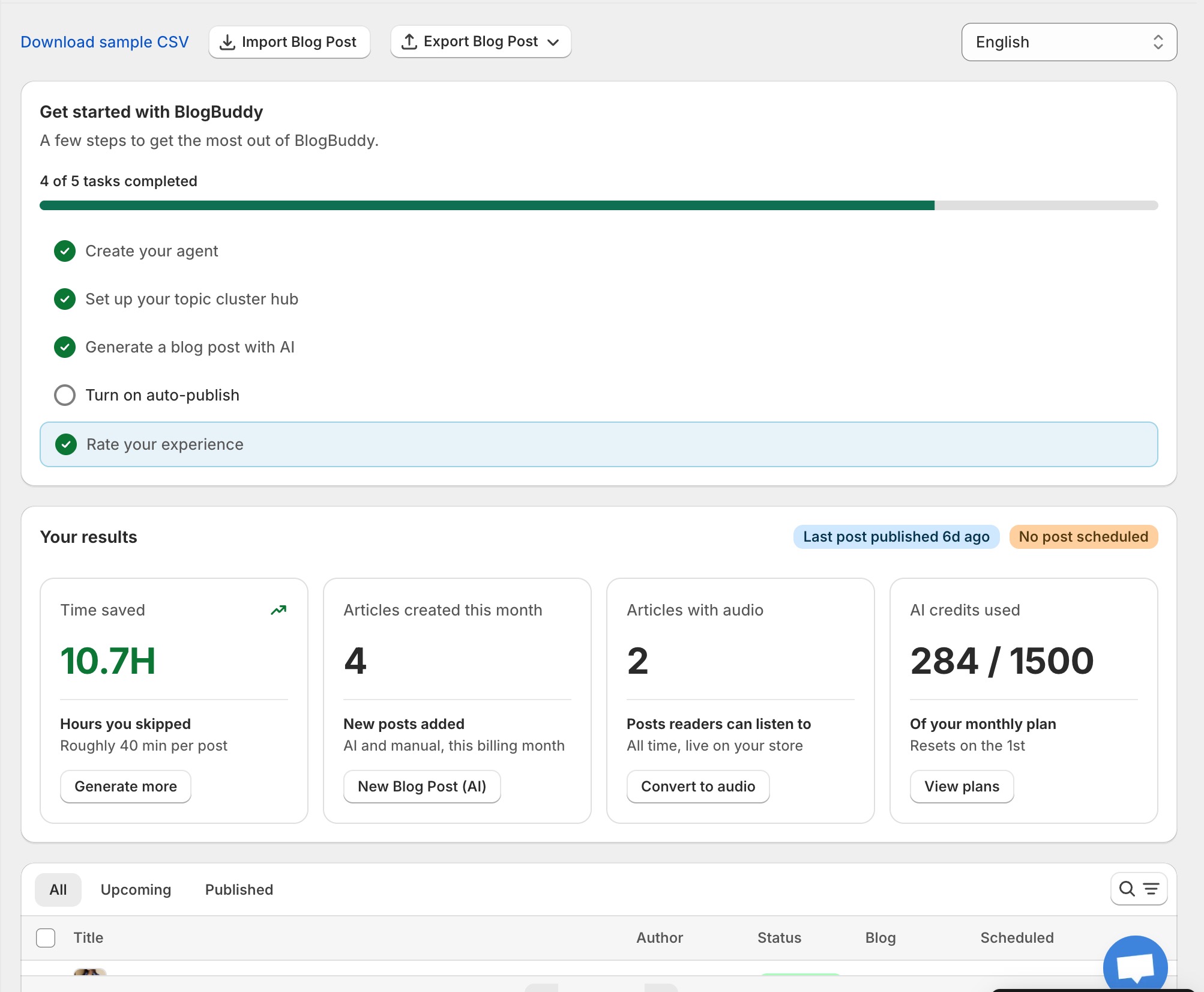
The home dashboard shows a short setup checklist. A good order to work through it:
- Run a content health check. Open the bulk editor and let it find posts with missing SEO titles, descriptions, tags or alt text. Fixing these is the fastest SEO win you can get.
- Generate one post with AI. Use Generate Blog Post to see how the writer works: pick a title idea, a tone and keywords, and review the draft it produces.
- Set up Autopilot. Tell the agent what your store is about and approve its first plan. Keep posts as drafts if you want to review each one before it goes live.
The dashboard also tracks your results over time: articles created this month, posts with audio, AI credits used, and the hours you skipped (BlogBuddy estimates roughly 40 minutes saved per post).