AI credits, plans and billing
How the credit pool works, what every plan includes, and what happens when you run out.
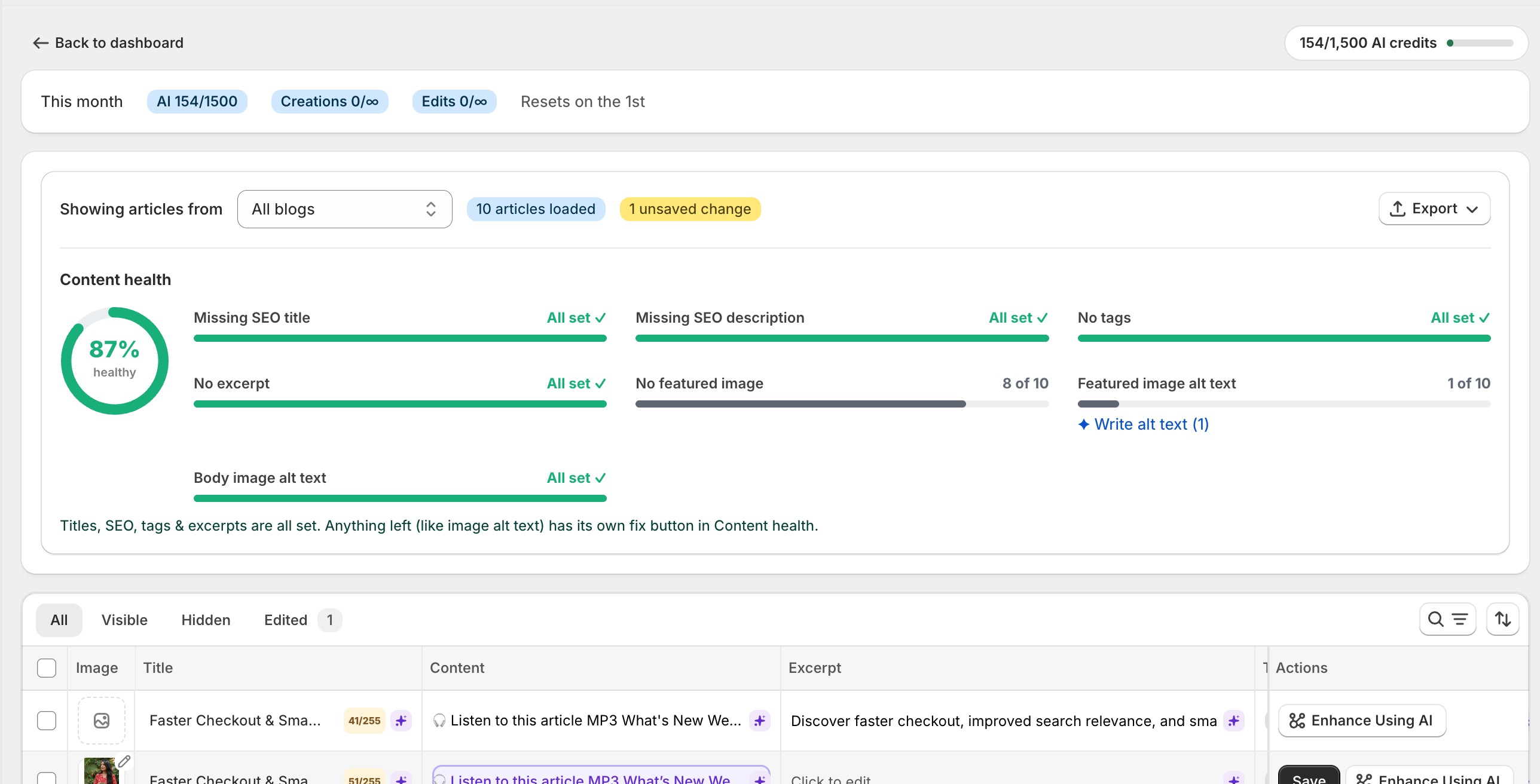
Every plan gives you one pool of AI credits each month. You spend them however you like across all AI features: posts, optimizations, clusters and audio. Credits reset on the 1st of each month, and a meter at the top of every page shows where you stand.
What one credit buys
| Action | Credits |
|---|---|
| Generate a blog post (with images) | 100 |
| Generate a blog post (text only) | 70 |
| Autopilot post (text + 2 images) | 27 |
| Optimize a full article (7 fields) | 7 |
| AI Topic Cluster suggestion | 2 per article analyzed |
| AI edit of one field or one bulk cell | 1 |
| Article audio | About 10 per minute, minimum 15 |
The plans
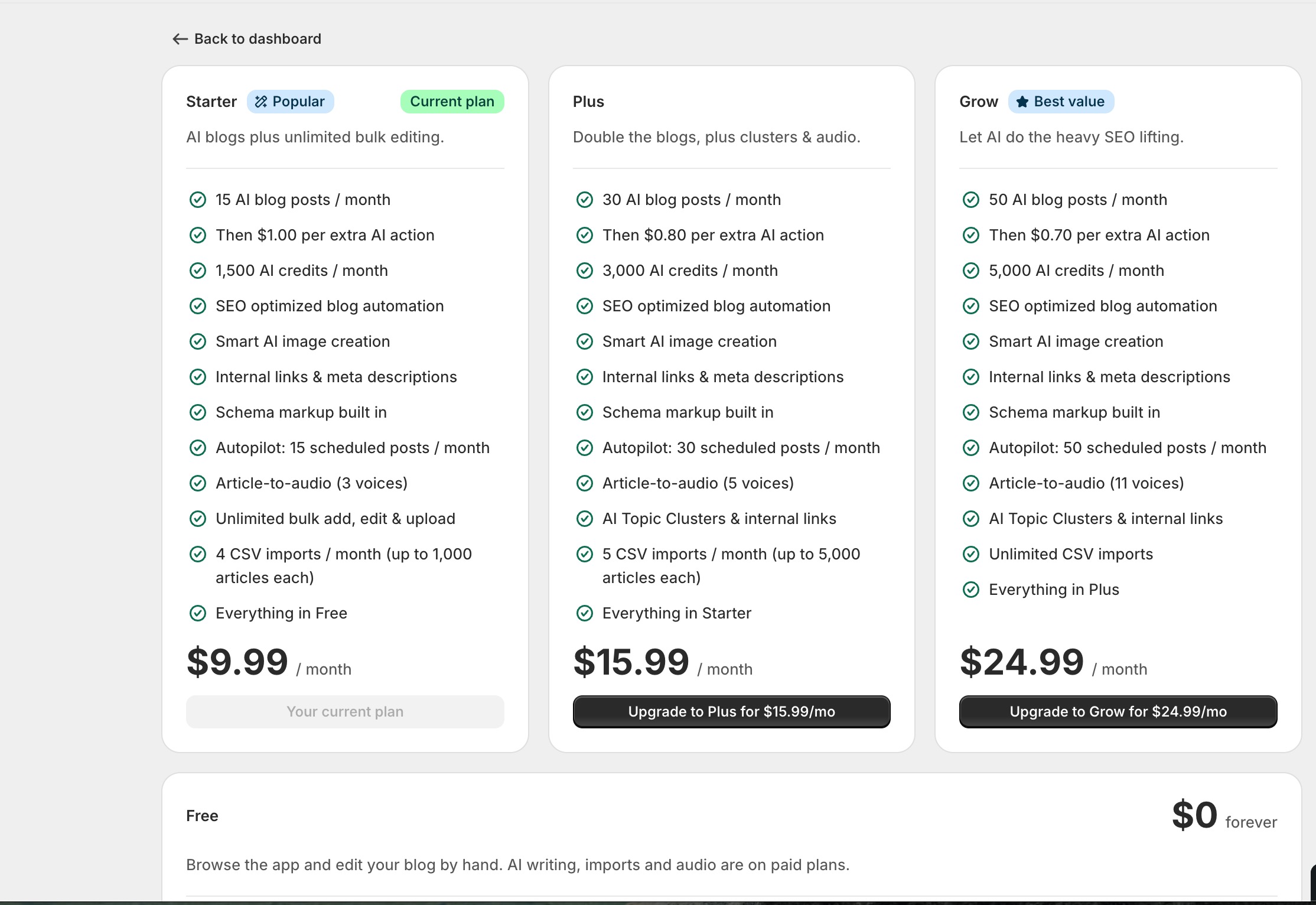
| Free | Starter $9.99 | Plus $15.99 | Grow $24.99 | |
|---|---|---|---|---|
| AI credits / month | 0 | 1,500 | 3,000 | 5,000 |
| AI blog posts / month | 0 | 15 | 30 | 50 |
| Autopilot scheduled posts | No | 15 / month | 30 / month | 50 / month |
| CSV imports | No | 4 / month, 1,000 each | 5 / month, 5,000 each | Unlimited |
| AI Topic Clusters | No | 7-day trial | Included | Included |
| Audio voices | 3 | 3 | 5 | 11 |
| Manual bulk edits | Unlimited | Unlimited | Unlimited | Unlimited |
| CSV exports | Unlimited | Unlimited | Unlimited | Unlimited |
Out of credits? Keep going.
When your monthly credits run out, you don't have to stop. Each extra AI action (a blog post, a cluster suggestion, a bulk optimize, an audio) is billed as pay-as-you-go through your Shopify invoice:
| Plan | Price per extra action |
|---|---|
| Starter | $1.00 |
| Plus | $0.80 |
| Grow | $0.70 |
Note
A $50 monthly safety cap protects you: past that, actions are paused instead of charged, so a busy month can never turn into a surprise bill. No action is ever charged while you still have credits.
Trials and changes
- Premium features (Autopilot, cluster AI, audio on lower plans) start with a free 7-day trial. The clock starts on first use, not when you open the page.
- All billing runs through Shopify's own subscription system. Upgrade, downgrade or cancel anytime from Plans & billing, and the change shows up on your normal Shopify invoice.