Generate Blog Post with AI
Write one SEO-ready post at a time: title ideas, outlines, tones, keywords, AI images and built-in SEO checks.
Generate Blog Post is the focused single-post writer. The setup form sits on the left, and a live preview and editor on the right. Posts come out SEO-ready: meta title and description, clean heading structure, schema markup, and alt text on every image.

Set up your post
- Pick a title. Type your own or click Title ideas to get suggestions based on your keywords and store. Click More ideas for another batch.
- Choose an outline. Five formats: How-to guide, Listicle, Buyer’s guide, Problem and solution, or Comparison.
- Set the tone. Professional, Friendly or Punchy.
- Add SEO keywords. Aim for 3 to 5. They are worked into the article naturally.
- Configure images. An AI featured image (1536 × 1024 recommended, square and portrait also available), an optional custom image prompt, and optionally two matching images placed at natural spots in the text.
- Click Generate my post.
Options worth knowing
- Link to your other posts weaves in links to related articles you’ve already published. Good for SEO.
- Apply your store notes reuses the knowledge base from Settings, so the AI knows your products, audience and rules.
- Draft first, publish later or Publish right away, your choice per post.
- The featured image can be regenerated, replaced with your own, or removed before publishing.
- If you leave halfway, the page offers to resume your unfinished post next time.
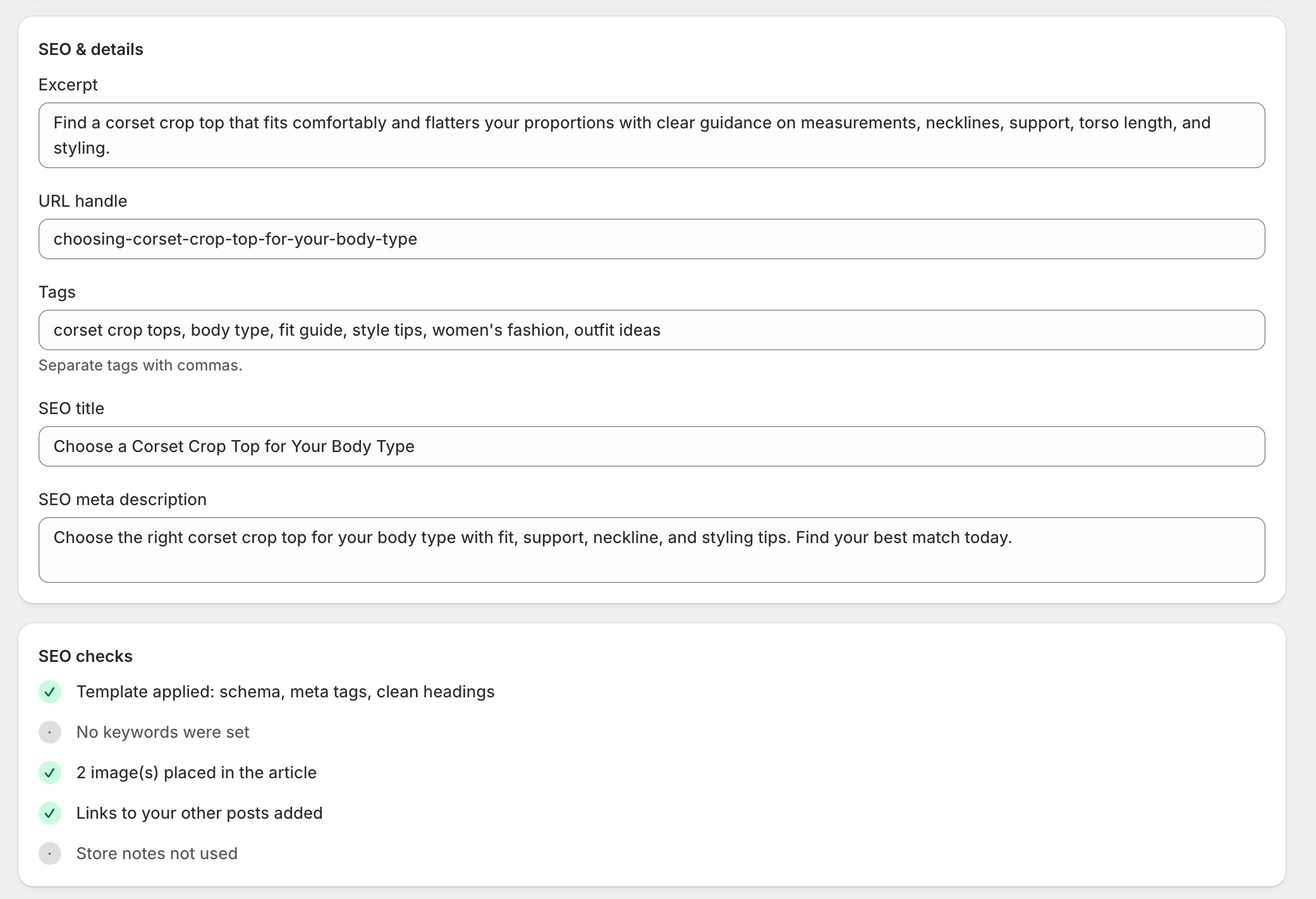
The SEO checks
After writing, BlogBuddy confirms what it did: template applied (schema, meta tags, clean headings), how many keywords were worked in, how many images were placed, whether internal links were added, and whether your store notes were applied.
| Action | AI credits |
|---|---|
| Blog post with images | 100 |
| Blog post, text only | 70 |
Note
Generation usually takes 10 to 20 seconds for text. Posts with images take a little longer.